
LogicPhoto · iPhone and PC
Free cleanup on iPhone.
A full library on your PC.
Review one phone photo at a time for free. Use Photo PC to browse and organize your desktop photo library, run optional local AI, and connect the two directly.
Swipe through.
Confirm what goes.
Keep a photo, move to the next one, or mark it for deletion. Review the queue before selected photos move to Apple Photos Recently Deleted. Nothing is removed just because you swiped past it.
See the cleanup steps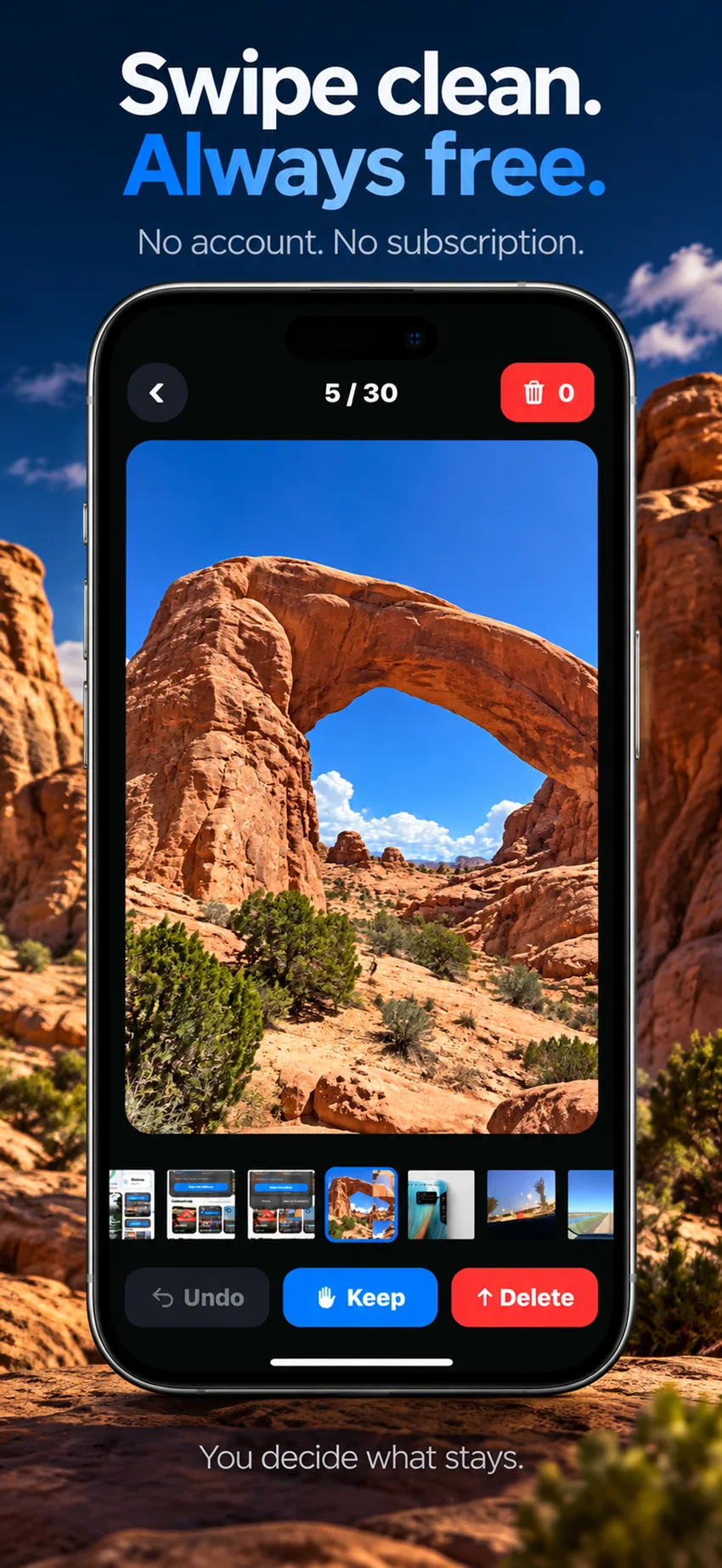
Plus · on-device AI
Find similar shots.
See the ratings.
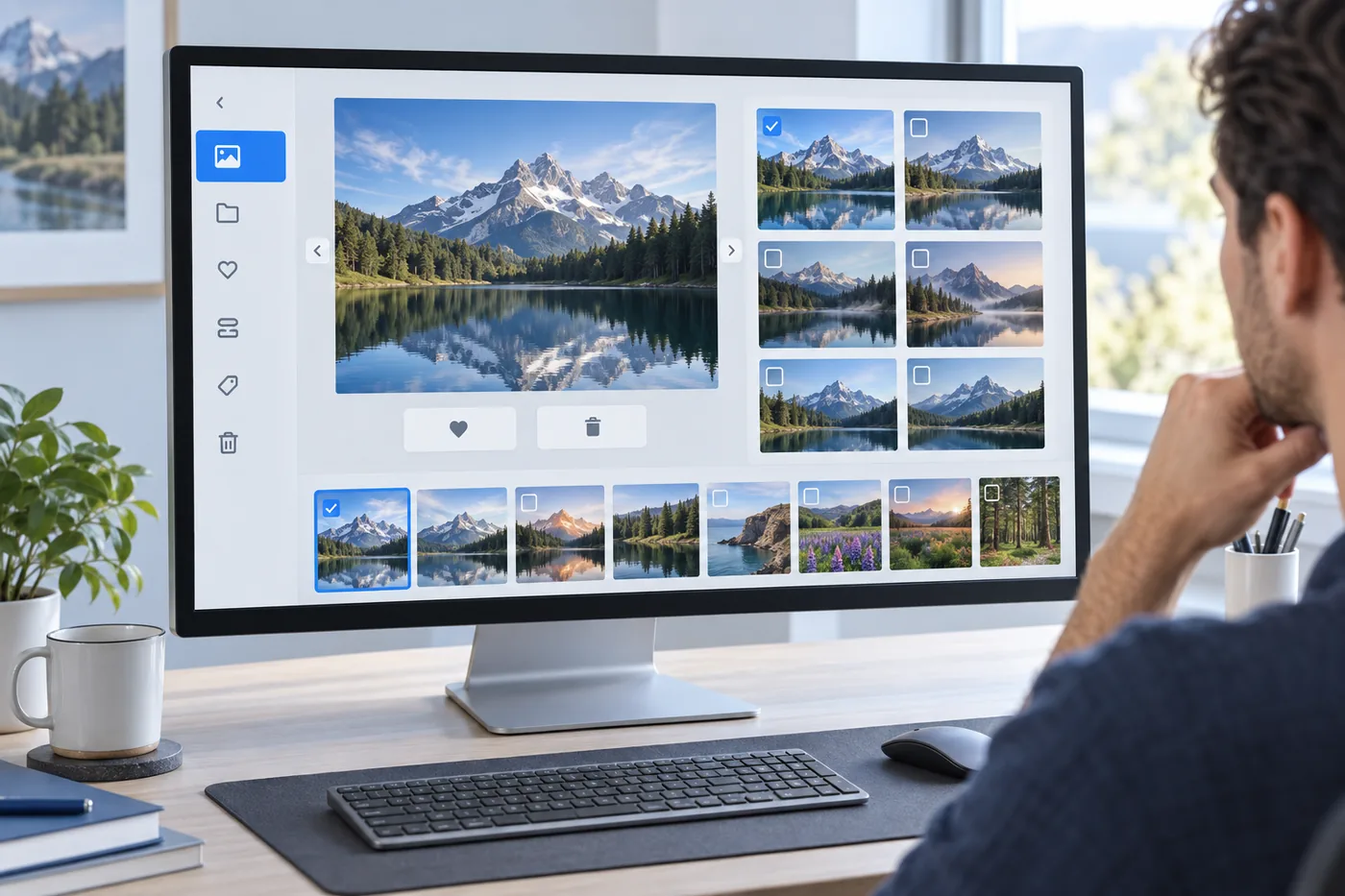
AI groups visually related photos and assigns quality ratings to help you review. Compare versions, follow or ignore suggestions, and choose what stays. AI never deletes a photo by itself.

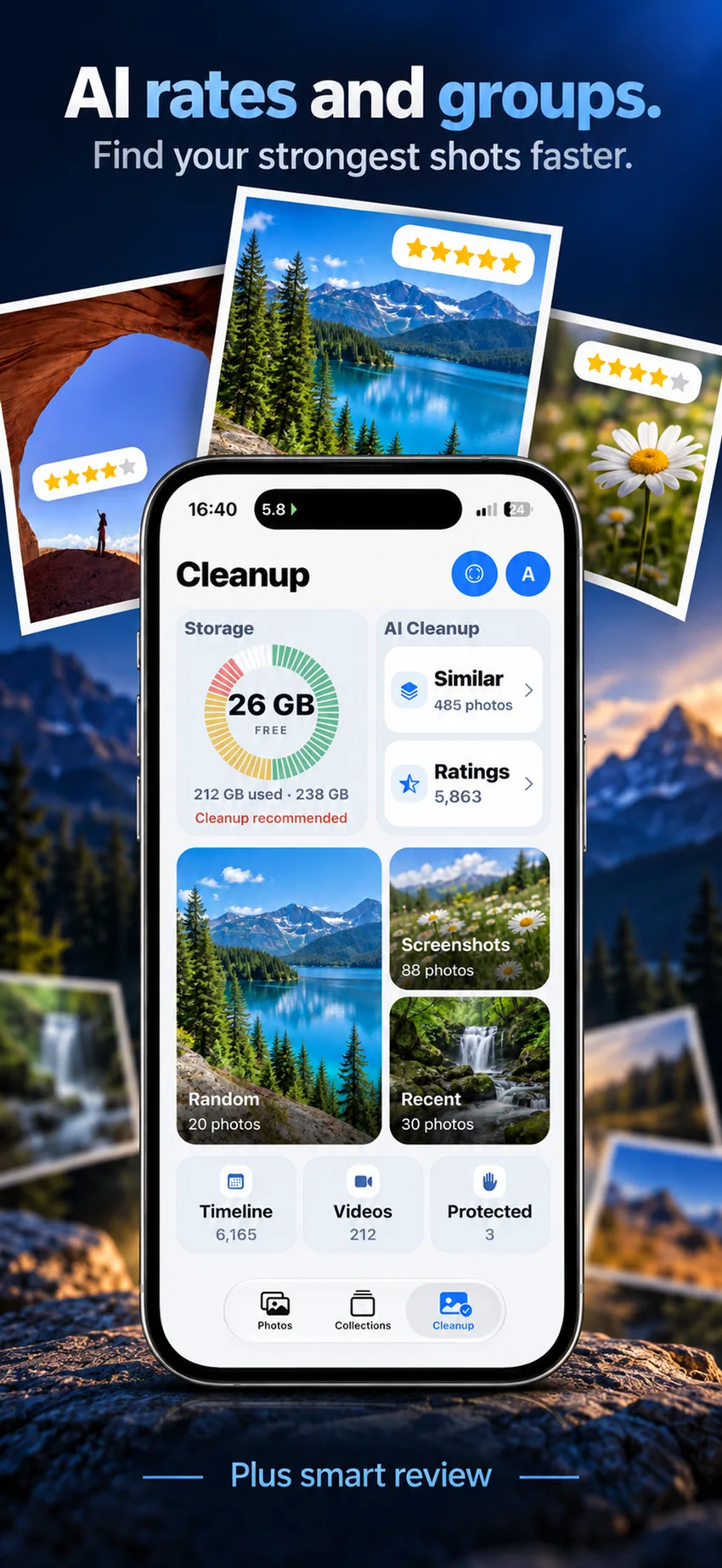
Photo PC · Windows; Mac in development
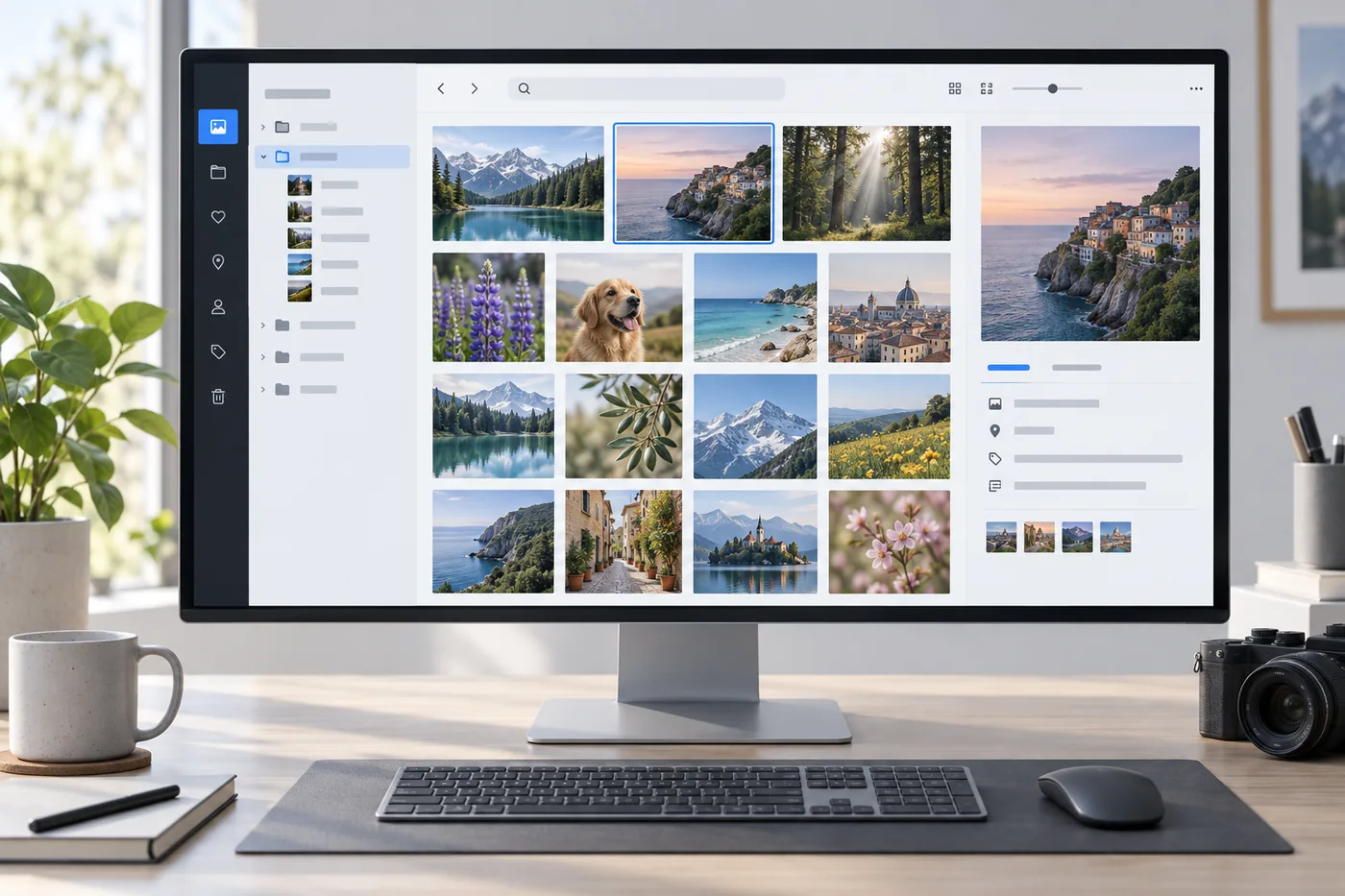
A real photo workspace for your computer.
Choose the photo folders your PC should index, then browse one local library through a timeline, albums, collections and physical folders. Organize favorites and tags, review duplicates, and find visually similar photos.
- Browse
- Timeline, albums, collections and folders
- Organize
- Favorites, tags, duplicates, archive and recoverable trash
- Explore
- People & pets, places, similar photos and semantic search
Some analysis views require optional model packs, which are downloaded separately and run on the PC. Linux Docker is a headless server package, not a desktop UI.
Back up originals
to your own PC or NAS.
Pair LogicPhoto with Photo PC, send selected photos or run a separate original backup. Photo PC can use local drives or a NAS storage source you configure. LogicPhoto sets no cloud-storage quota; your own storage sets the capacity.
The Windows desktop app and a separate Linux Docker server are available. The Mac version is in development. The iPhone app is available on the App Store.
Get Photo PC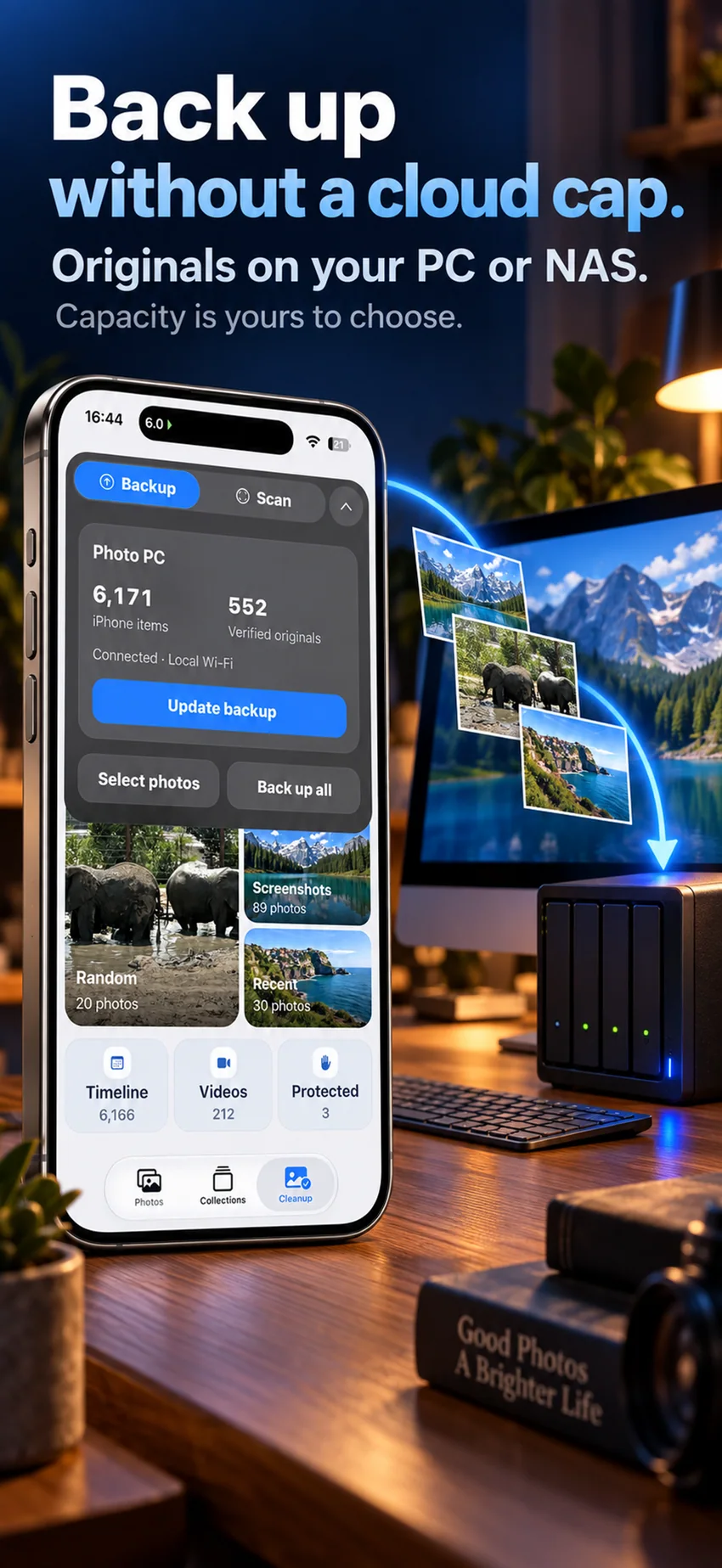
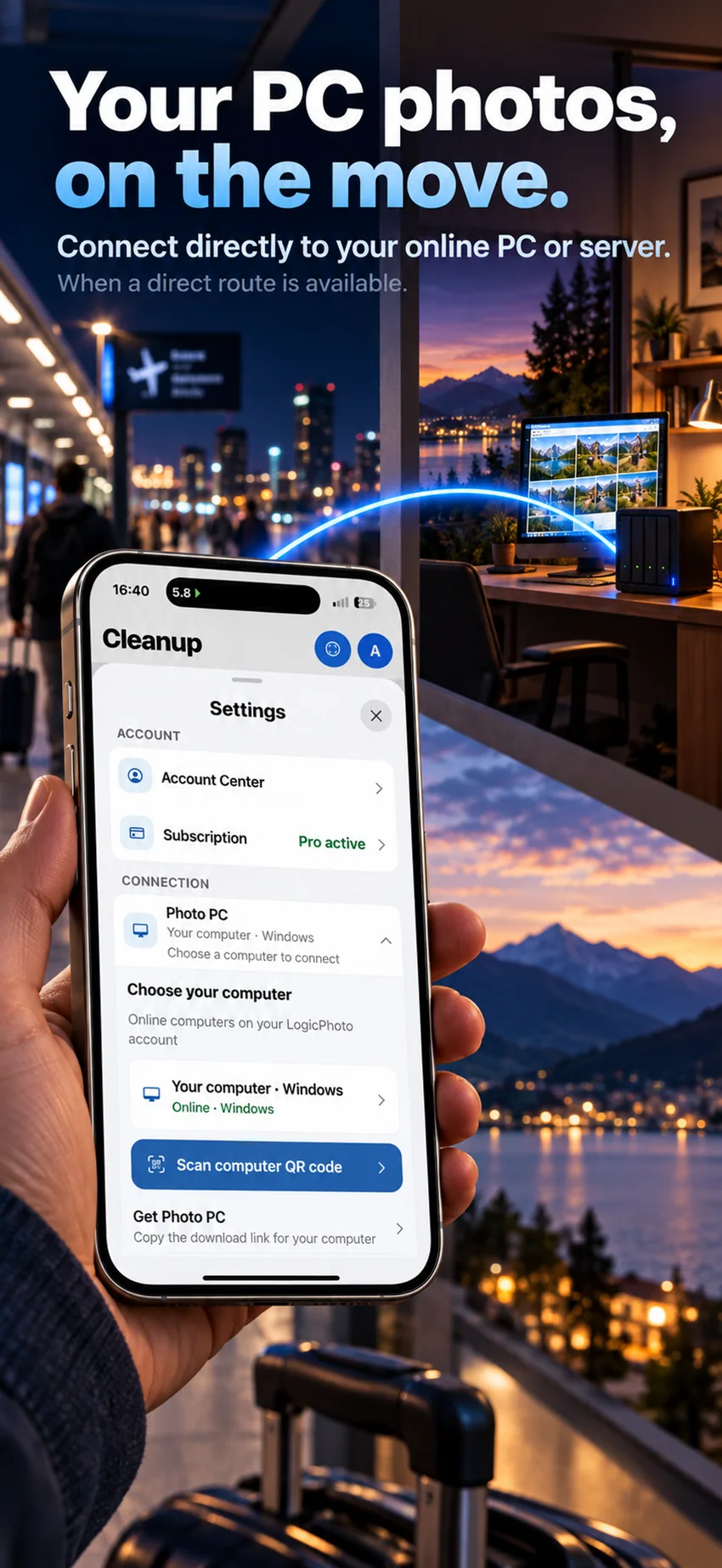
Your PC library,
from away.
When your computer or server is online and the network allows a direct route, browse its photo library from your iPhone. LogicPhoto coordinates the connection; photo bytes do not pass through our account service.
Remote access depends on host availability and network conditions.
After backup
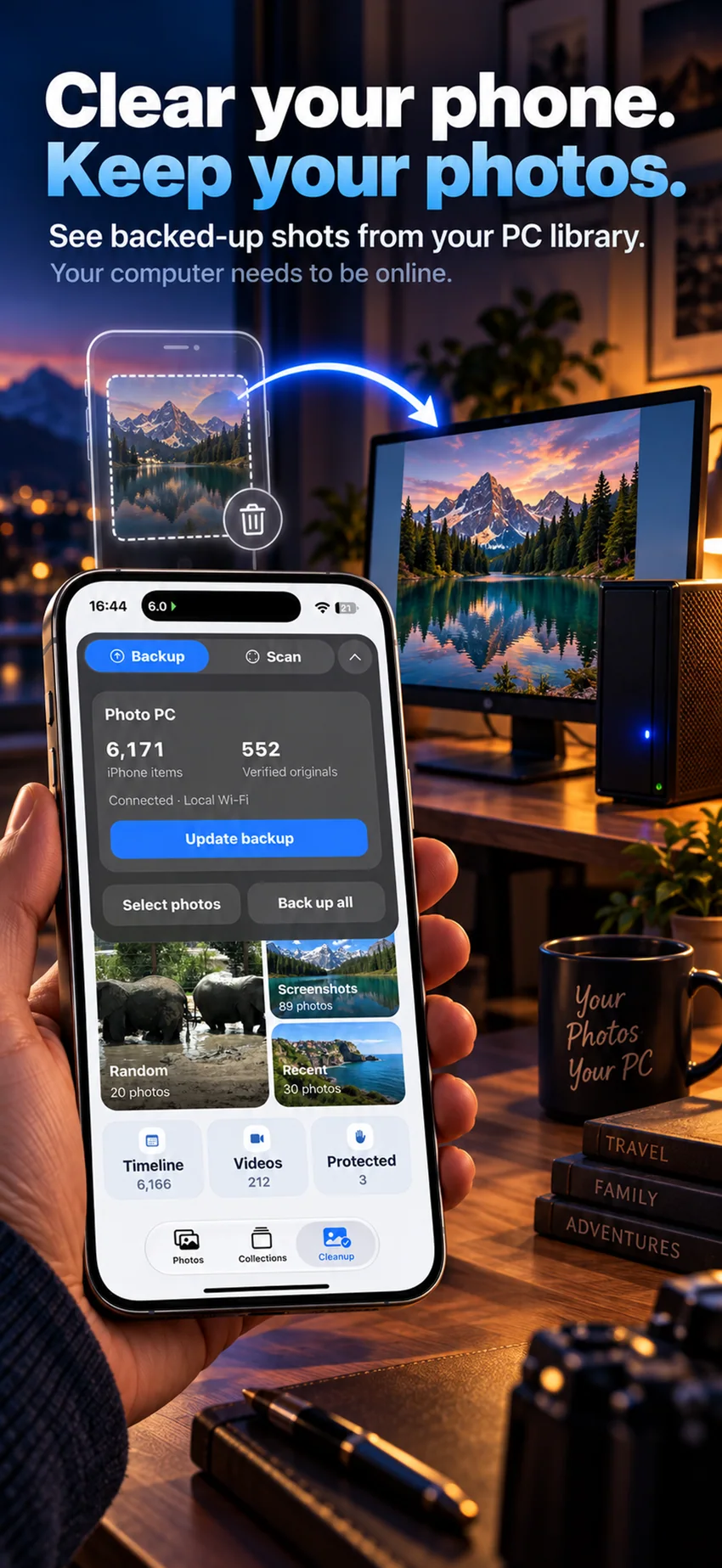
Clear the phone.
Keep the PC copy.
Once an original is backed up, clearing the local iPhone copy does not erase the computer's copy. View backed-up photos from the phone when the computer is online and a direct connection is available.
Know before you install
See what is available.
The Windows Photo PC app and a headless Linux Docker server are available now. The Mac version is in development. The iPhone app is available on the App Store; see Downloads for links and package details.