
Explore Photo PC
Photo PC for Windows is a full desktop photo library. The Mac version is in development. Choose the folders it indexes, browse a local catalog, and organize photos from the computer. Your library can stay usable without signing in; accounts help connect devices, not store your photo and video files.
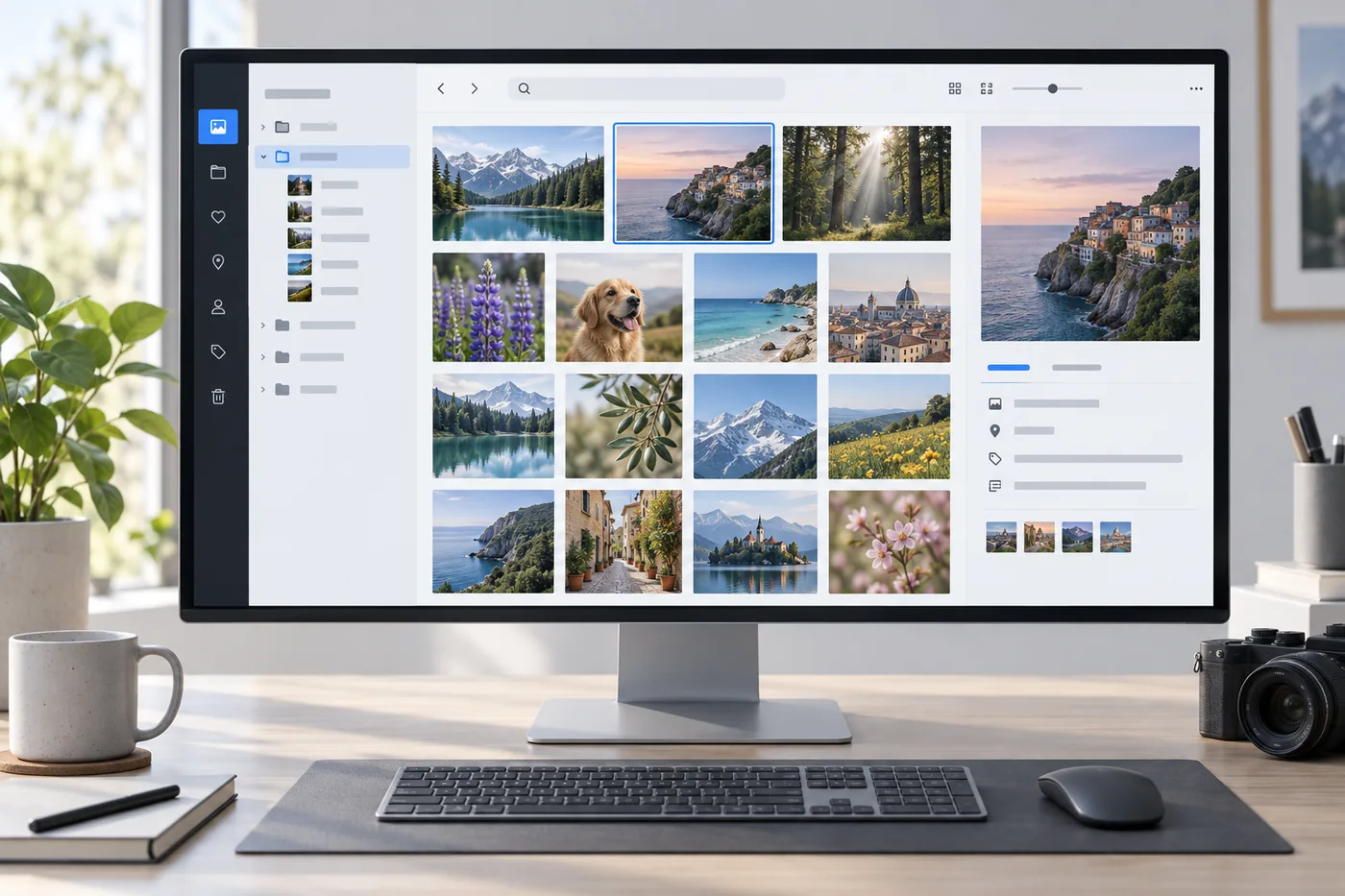
What you can do on the computer
Section titled “What you can do on the computer”- Browse the library you choose
Move through the timeline, albums, Collections and physical folders. The PC keeps the local catalog for the folders you add.
- Organize without moving originals
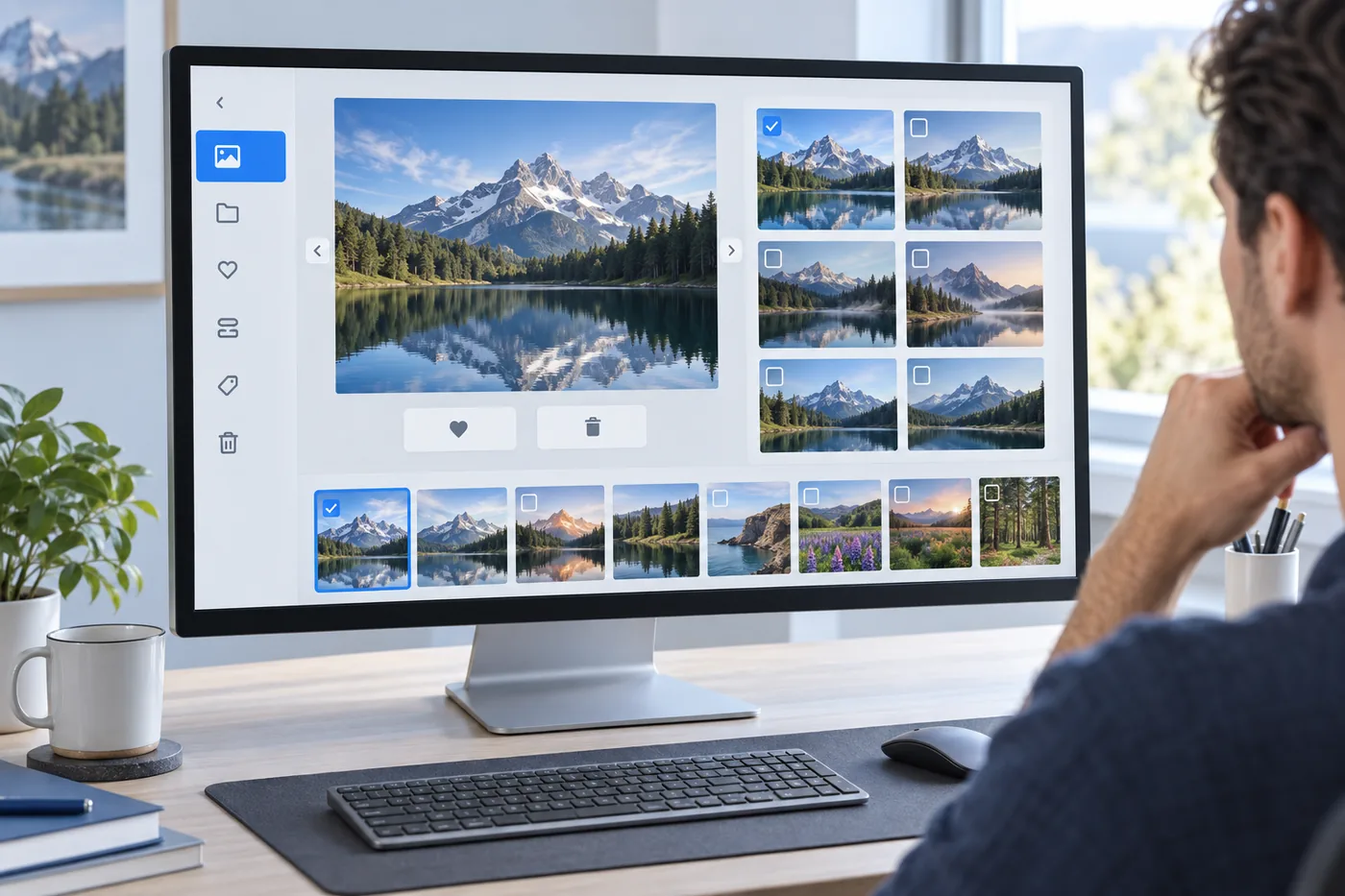
Use favorites, tags, Smart Albums, Archive and recoverable Trash. Review duplicates and related photos from the library tools.
- Search and explore
Use Similar and semantic search, People & pets, and the Places map. Places uses location already present in photo metadata.
- Run optional AI on the PC
Photo PC owns analysis. AI model packs are separate downloads, are not bundled with the installer, and run on the computer you choose.
- Connect your iPhone when you want
Pair by account or QR, then use the direct connection for selected transfer, original backup and remote library browsing.
For network setup and account-free QR pairing, see Connect a computer. For a verified installation package, version and SHA-256, check Downloads.
Desktop app and Docker server
Section titled “Desktop app and Docker server”The Windows download is a desktop application with the photo-library interface described above. The Mac version is in development. The Linux Docker package is a separate headless server for Docker Engine and Compose v2; it does not include the desktop UI. It binds its service ports to the host by default and needs a trusted HTTPS endpoint before an iPhone can connect. Follow the network steps shipped inside that package rather than the Windows/Mac QR flow.